



iconik is a cloud-based media asset management (MAM) tool that makes it easy to organize, search, and work with your files stored on StorX. Learn more about iconik →
Prerequisites
- An active StorX account. Sign up here if you don't have one.
- A bucket/vault in StorX.
- Valid Access Key ID and Secret Access Key. Learn how to create access keys.
- A valid iconik account.
Required StorX Credentials:
- Access Key: Your StorX Access Key
- Secret Key: Your StorX Secret Key
- Endpoint:
gateway.storx.io - Bucket: Your StorX vault name
- Region: (Leave as default or use appropriate region)
Configure iconik with StorX
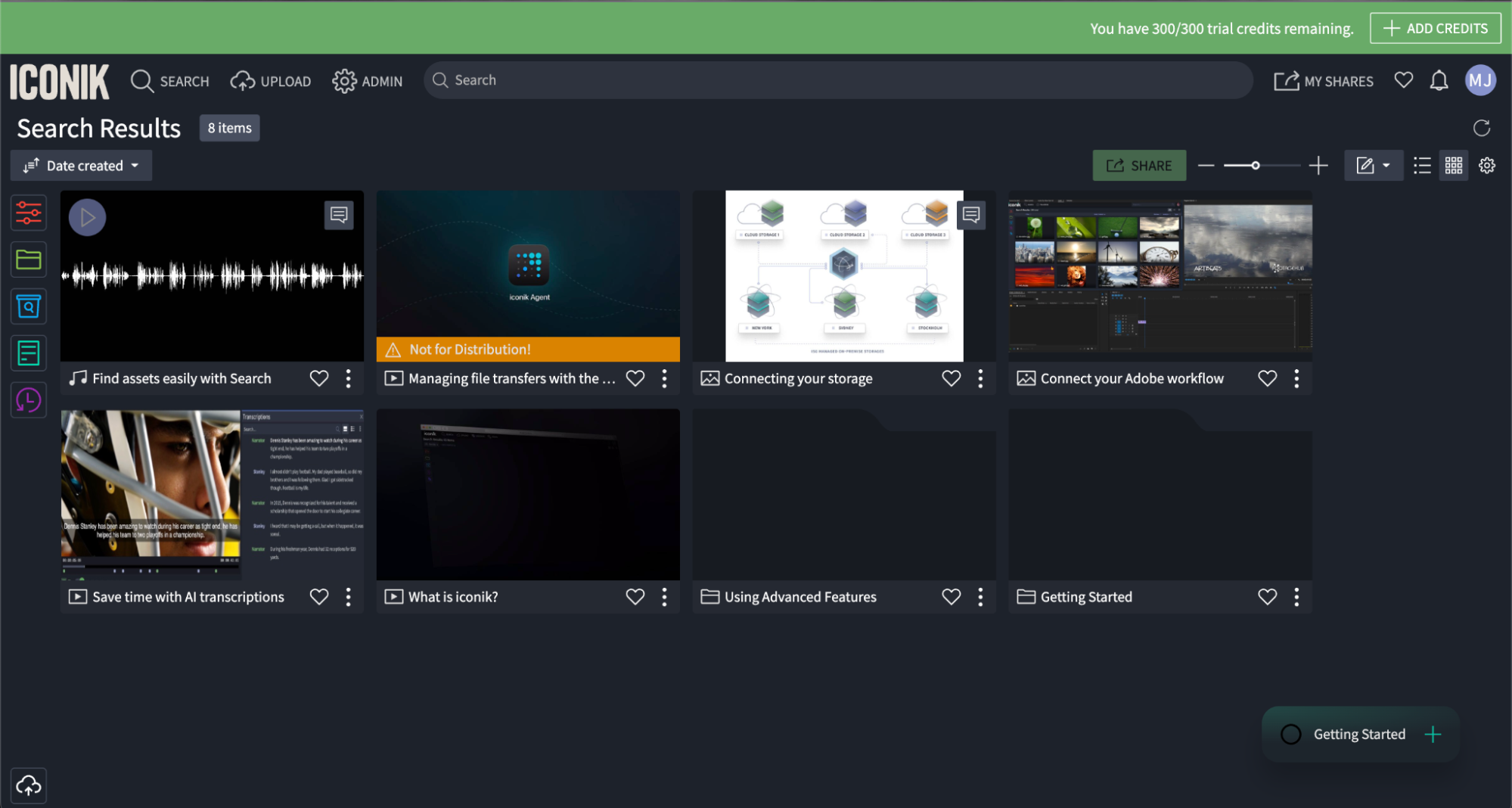
1. Sign in to your iconik account.
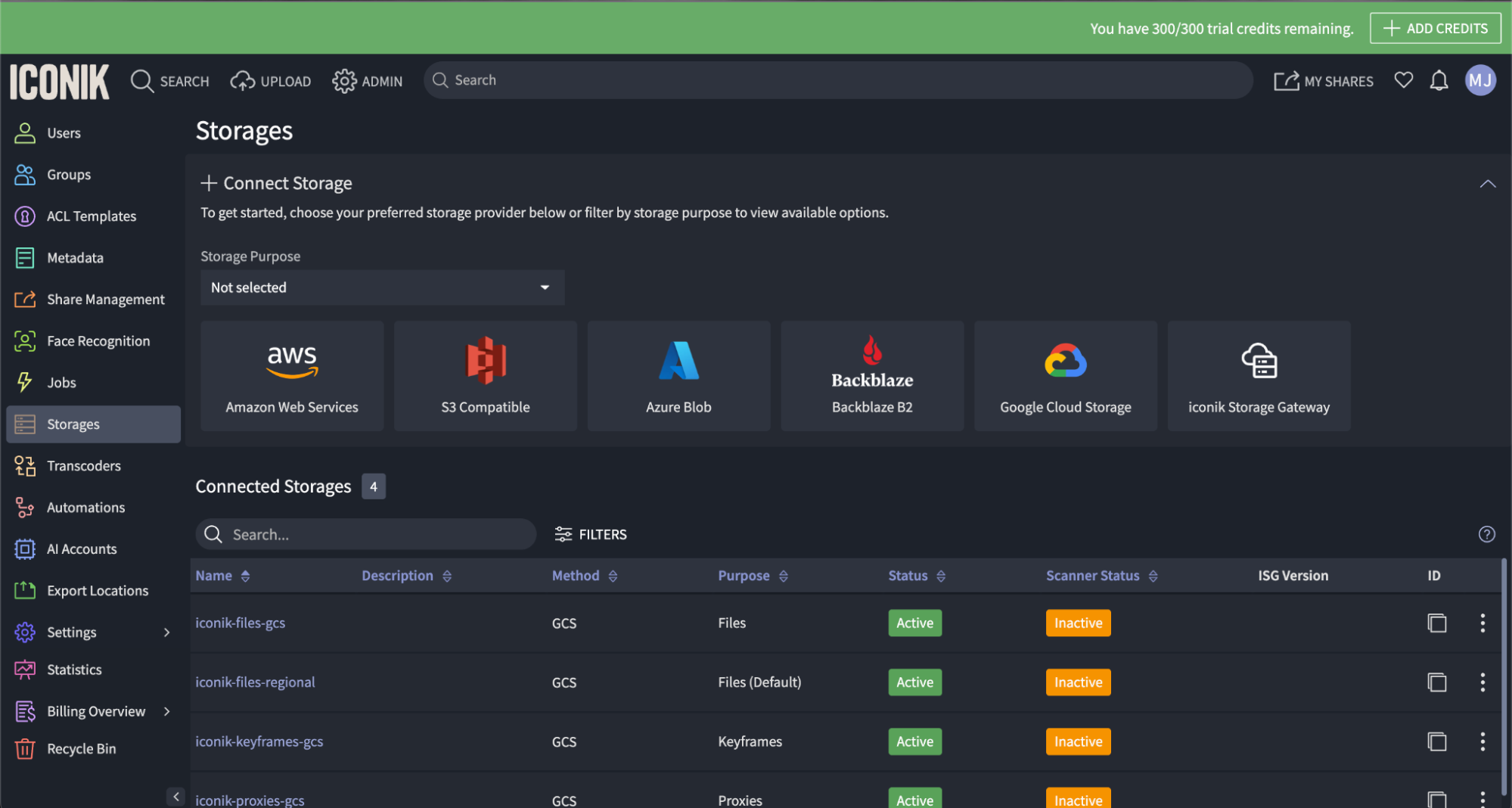
2. Go to ADMIN > Storages > NEW STORAGE.
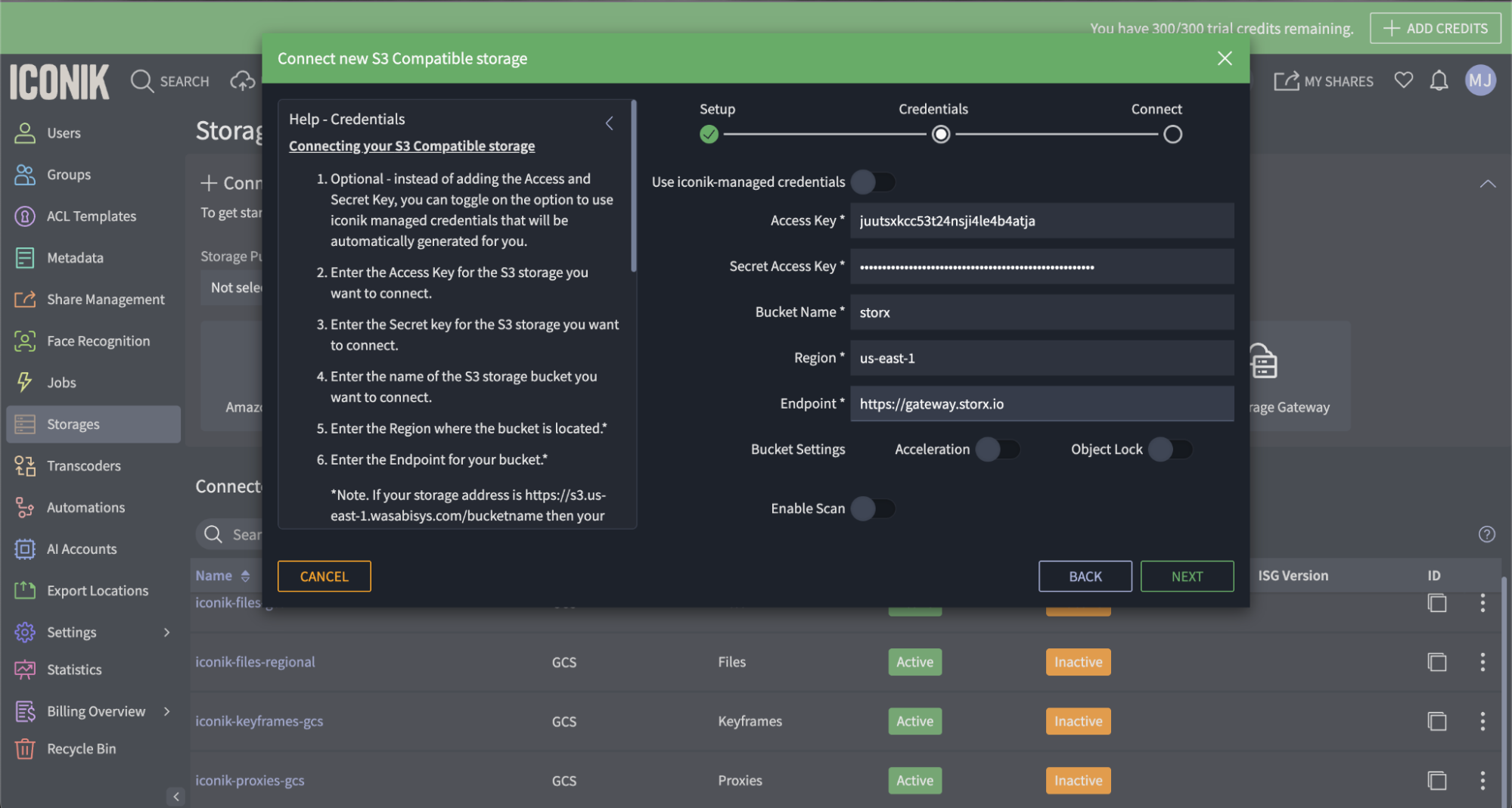
3. Provide your StorX details:
- Storage Name: Enter a descriptive name (e.g., "StorX Storage")
- Type: Select Files from the drop-down
- Storage Type: Select Amazon S3
- Access Key: Your StorX Access Key ID
- Secret Key: Your StorX Secret Key
- Bucket: Your StorX vault/bucket name
- Region: Enter your StorX region (if applicable)
- Endpoint:
gateway.storx.io
⚠️ CORS Warning: You may see a CORS Error message. This is because StorX does not support the S3 CORS API yet but does accept all hosts. You can safely ignore this error for StorX storage; it will still work correctly.
4. Click Finish to create the storage.
5. Click OK/UPDATE to save your settings.
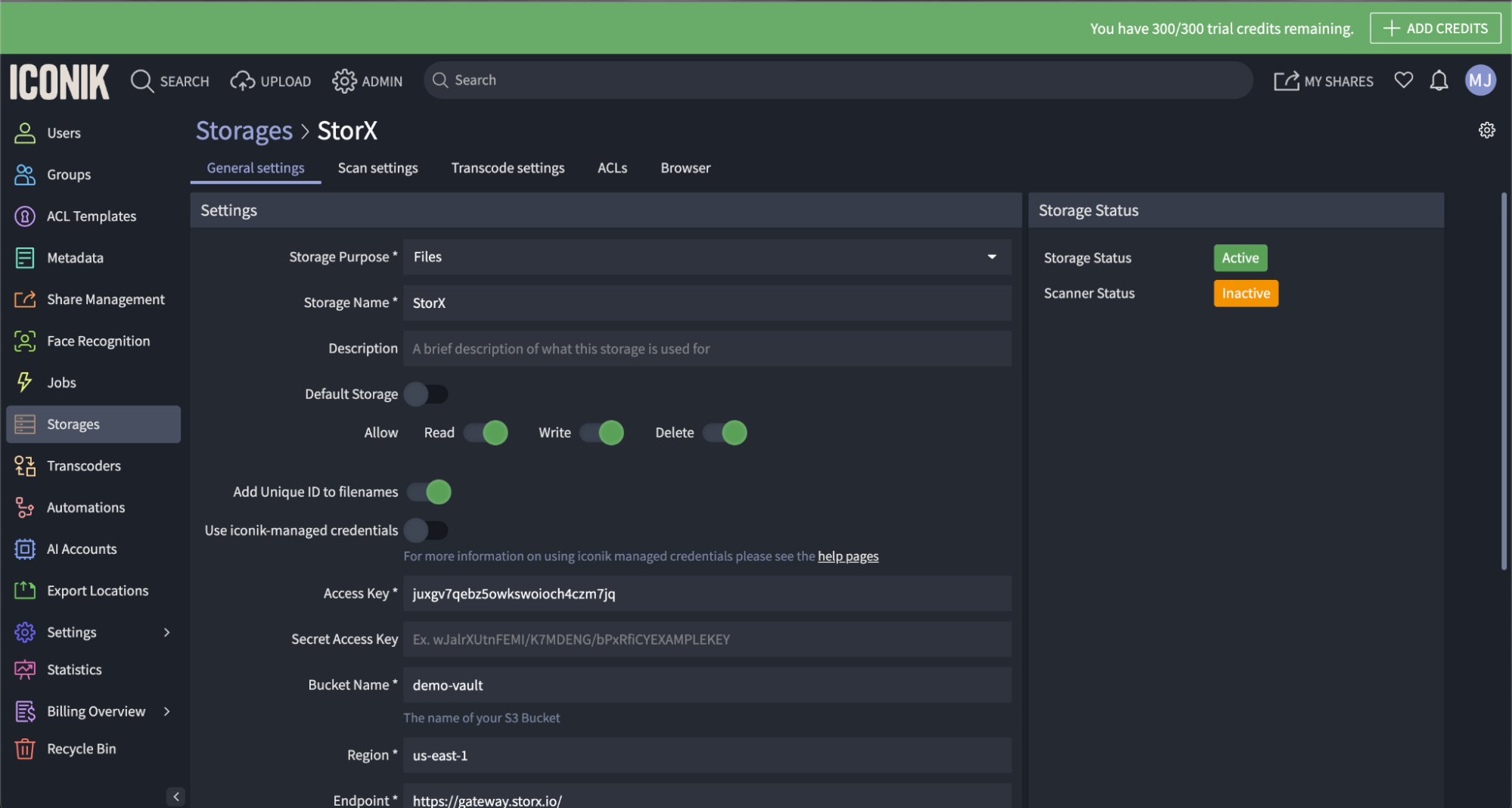
6. Click the BROWSER tab to access your StorX bucket through iconik.
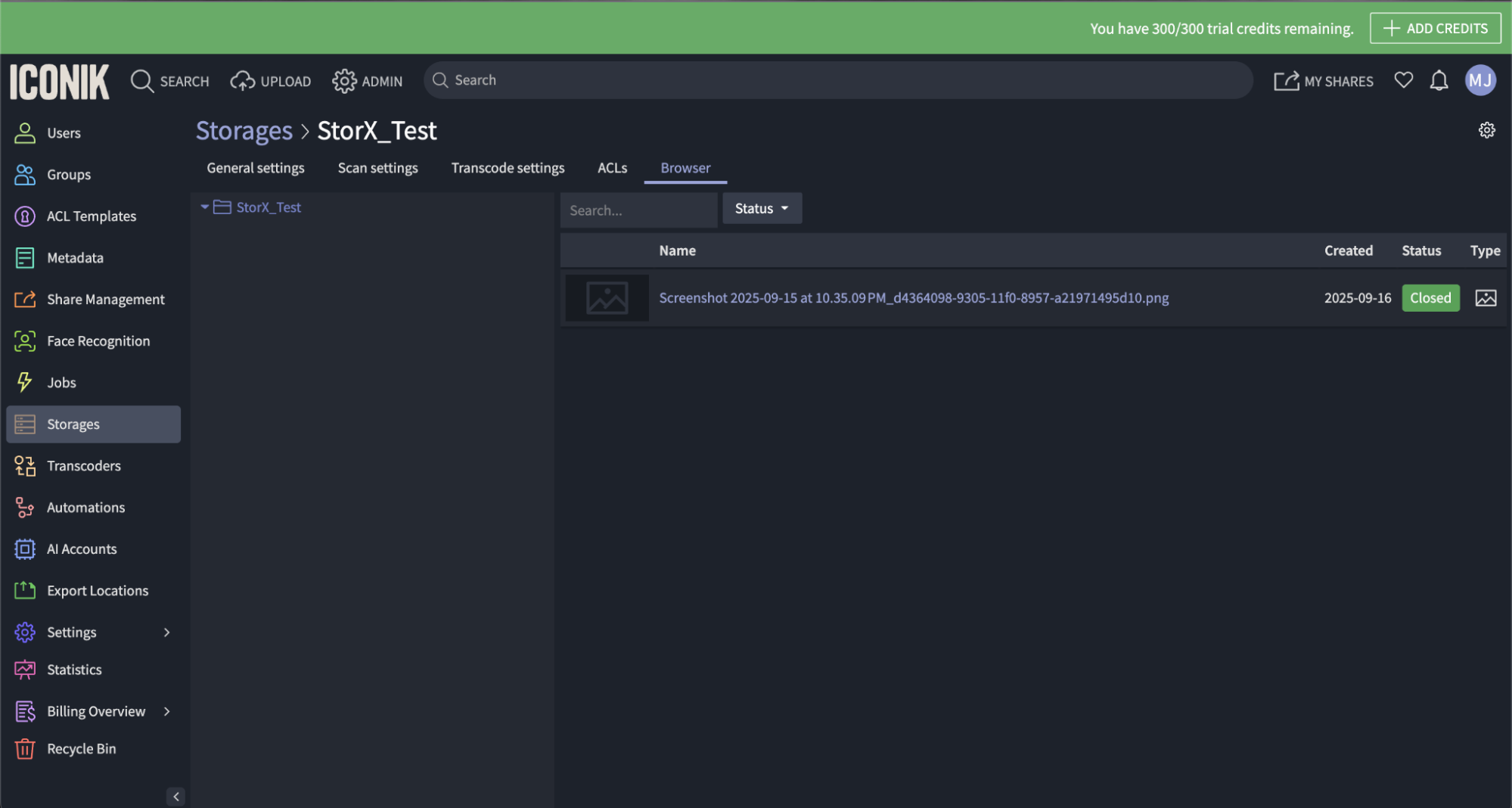
✓ Integration Complete! Your StorX storage is now connected to iconik. You can now organize, search, and manage your media assets stored in decentralized storage directly from iconik's powerful MAM interface.
What You Can Do Now
- Media Asset Management: Organize and catalog your media files stored on StorX
- Powerful Search: Use iconik's advanced search to find media across your StorX storage
- Collaboration: Share and collaborate on media projects with team members
- Metadata Management: Add and manage metadata for your stored files
- Transcoding: Leverage iconik's transcoding capabilities for media files
💡 Pro Tip: iconik supports advanced features like custom metadata schemas, collections, and automated workflows. Explore these features to maximize your media management efficiency with StorX decentralized storage.