



Photos+ is an iOS and Android app that allows you to store and manage your photos and videos in your own cloud storage account. You can use Photos+ with StorX S3-compatible storage for a secure, decentralized photo backup solution.
Main Website: https://photosplus.app/
Before you begin: You need an active StorX account with access credentials. Join StorX →
Required StorX Credentials
- Access Key - Your unique access identifier
- Secret Key - Your private security key
- Endpoint URL -
gateway.storx.io - Vault/Bucket Name - The StorX vault where photos will be stored
Need help getting your credentials? Learn how to get Access Keys →
Step-by-Step Setup Guide
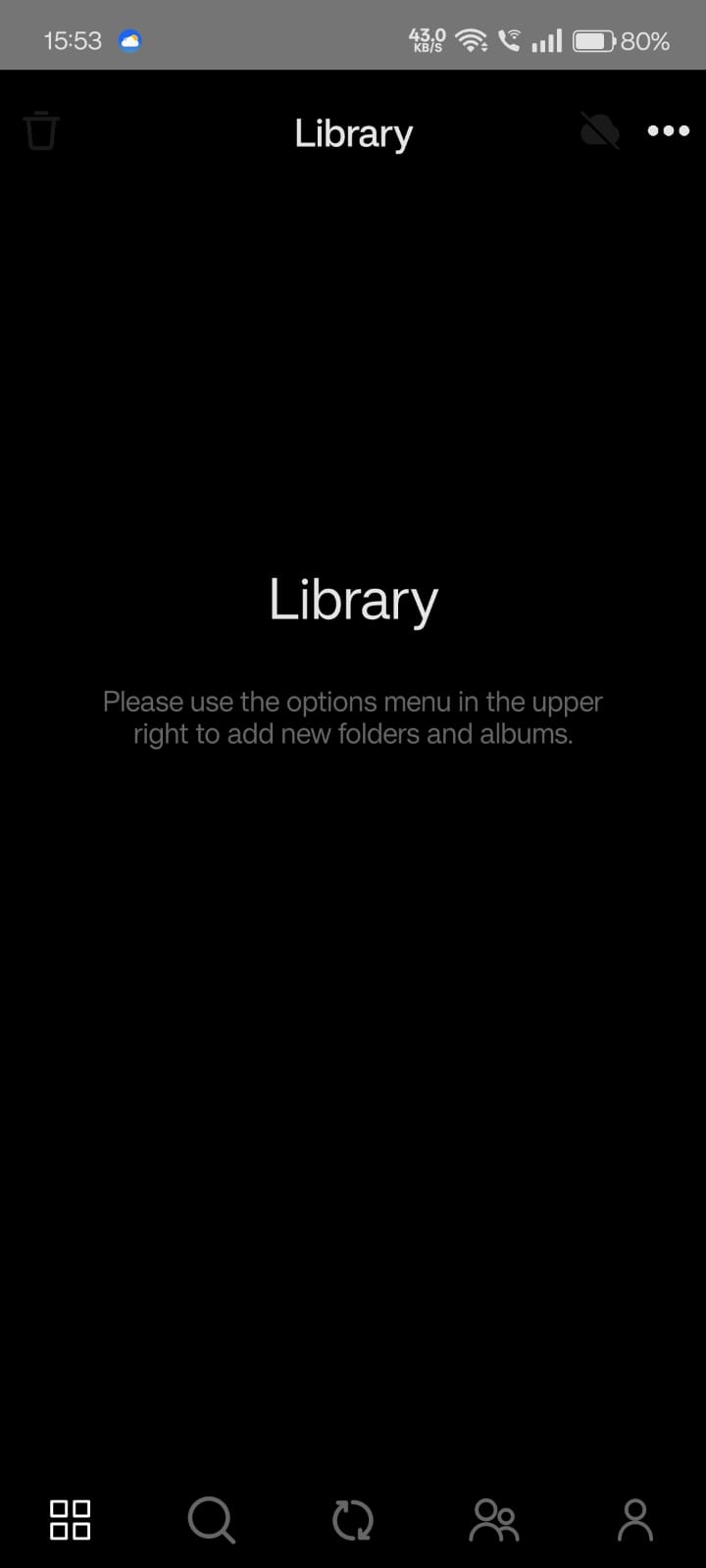
1. When starting Photos+ for the first time, you'll see an empty Library:
2. Tap the person-shaped icon in the lower right corner to go to your Profile:
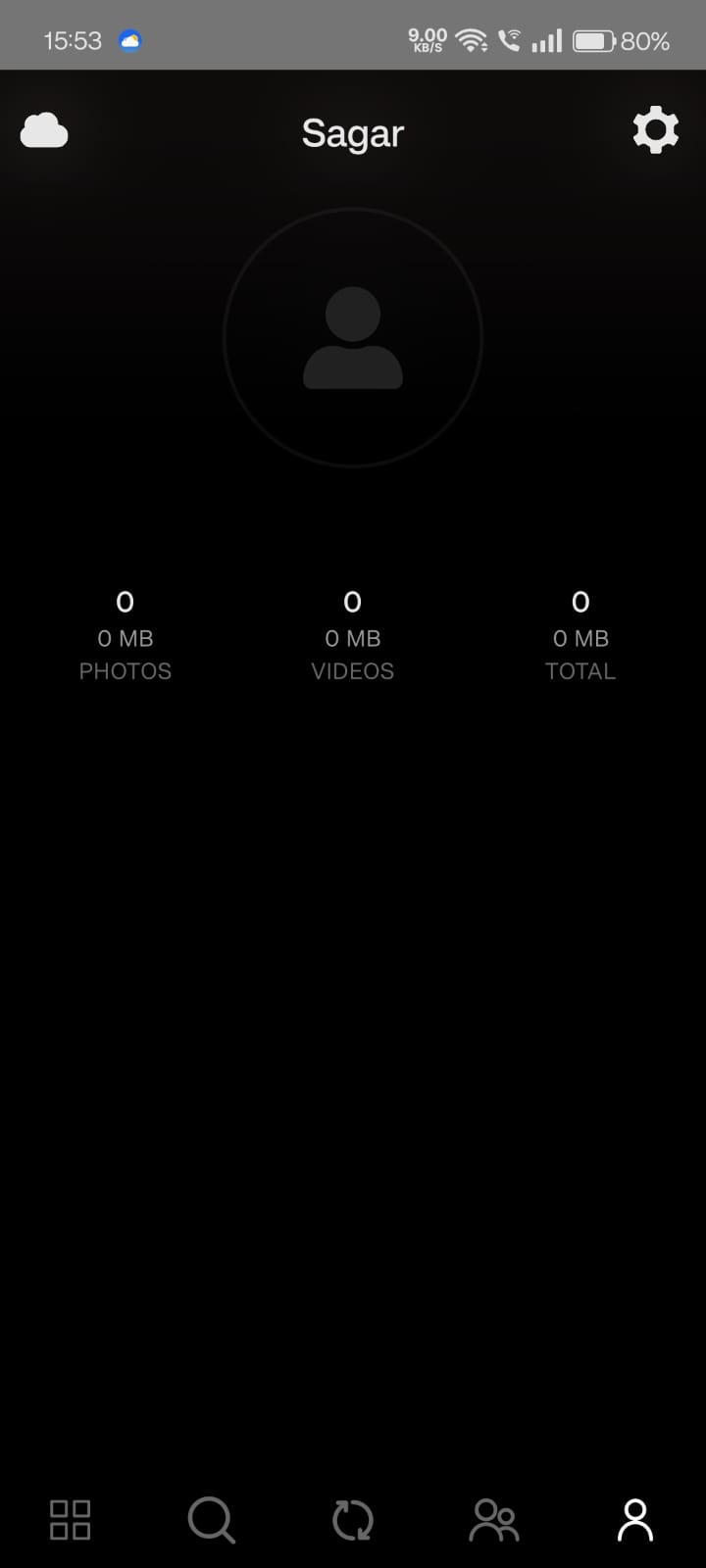
3. Tap the cog wheel icon in the upper right to access Settings:
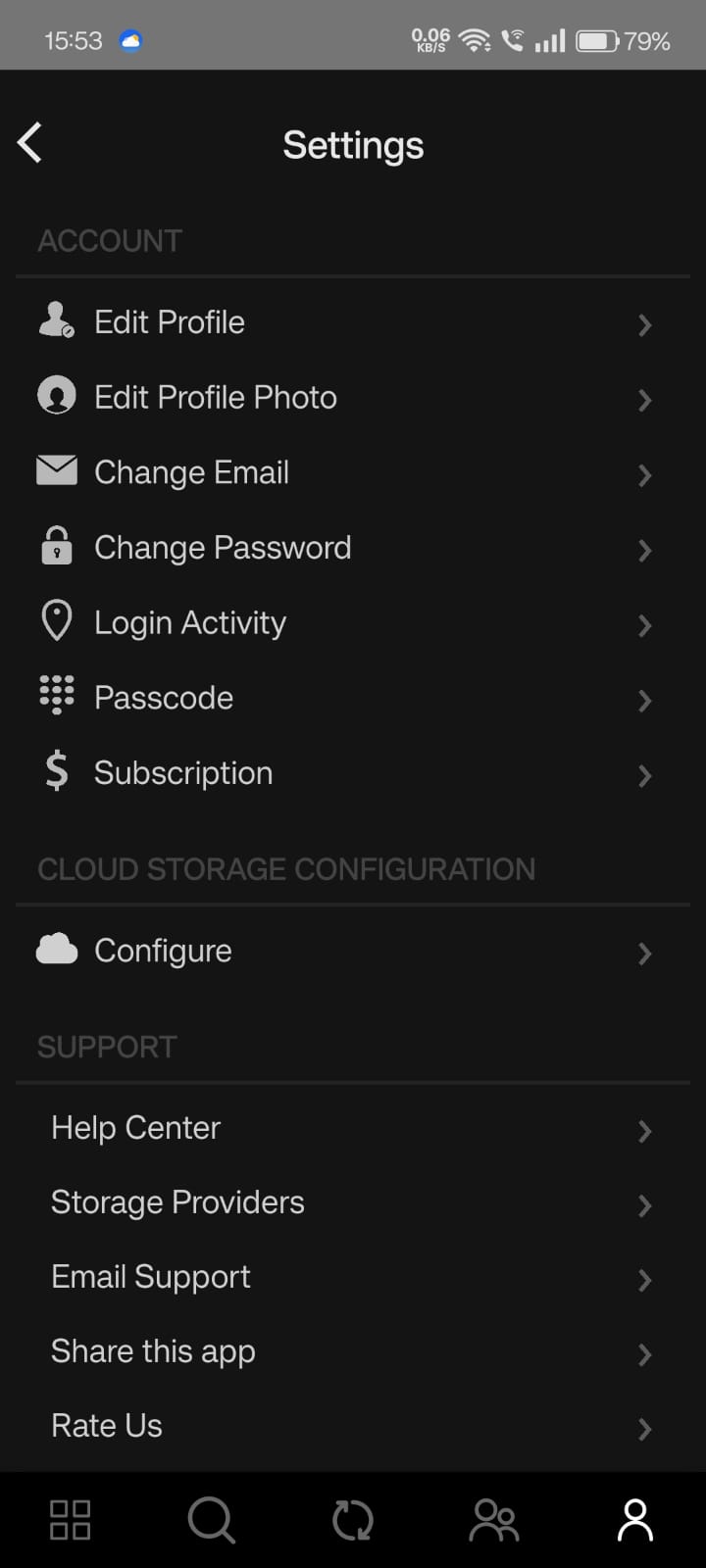
4. Tap Configure to begin setting up StorX as your storage provider:
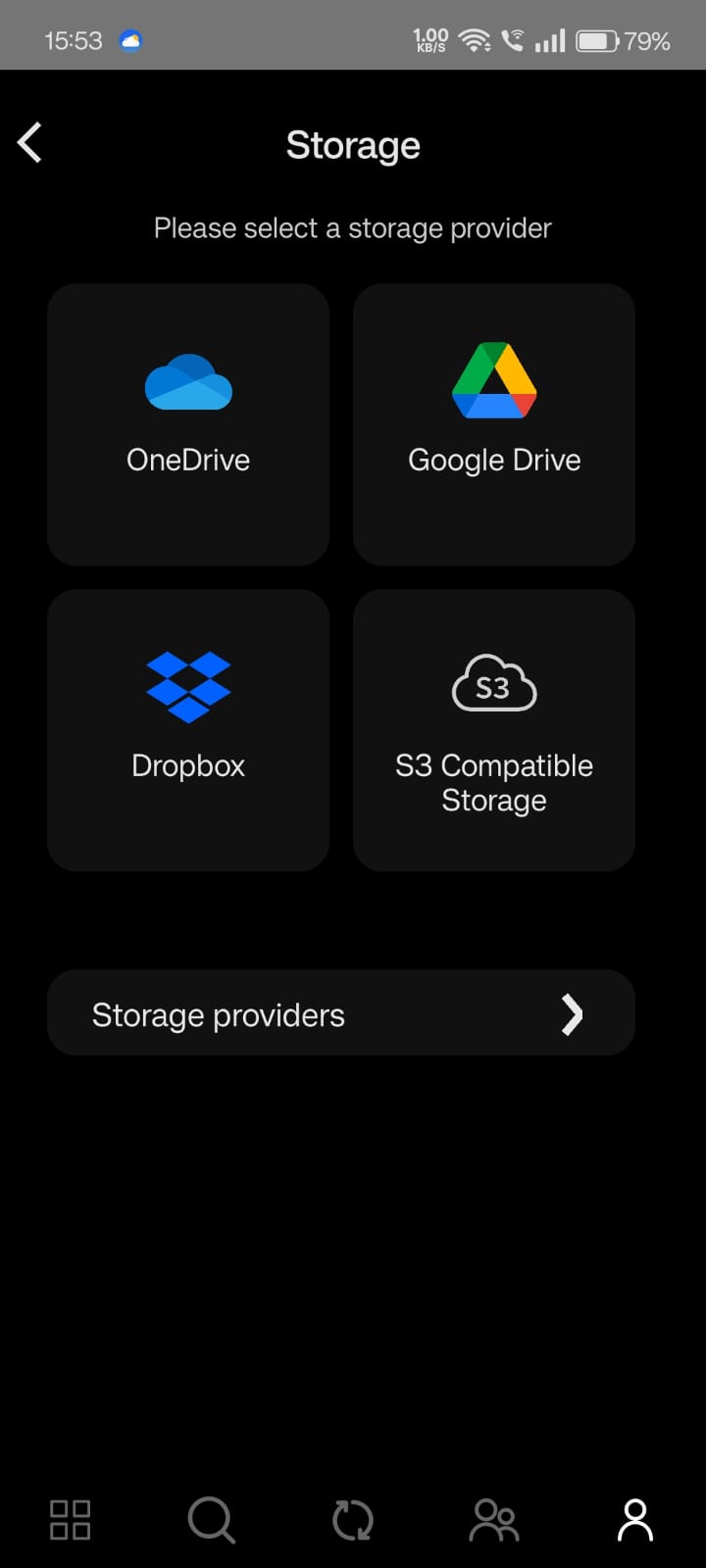
5. Select S3 Storage and enter your StorX credentials:
- URL:
gateway.storx.io - Access Key: Your StorX Access Key
- Secret Key: Your StorX Secret Key
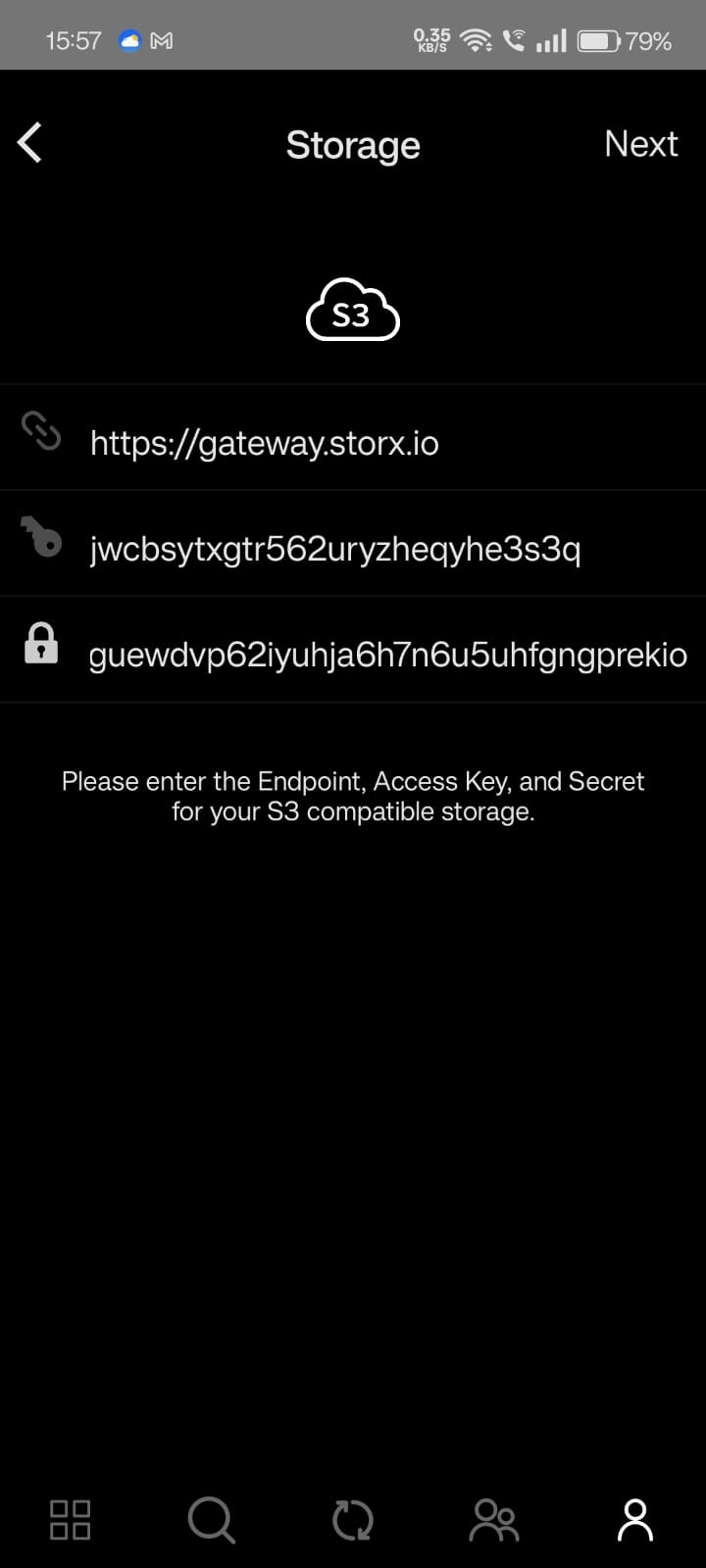
6. After successfully configuring StorX, select the vault you want to use as your default storage location for photos and videos:
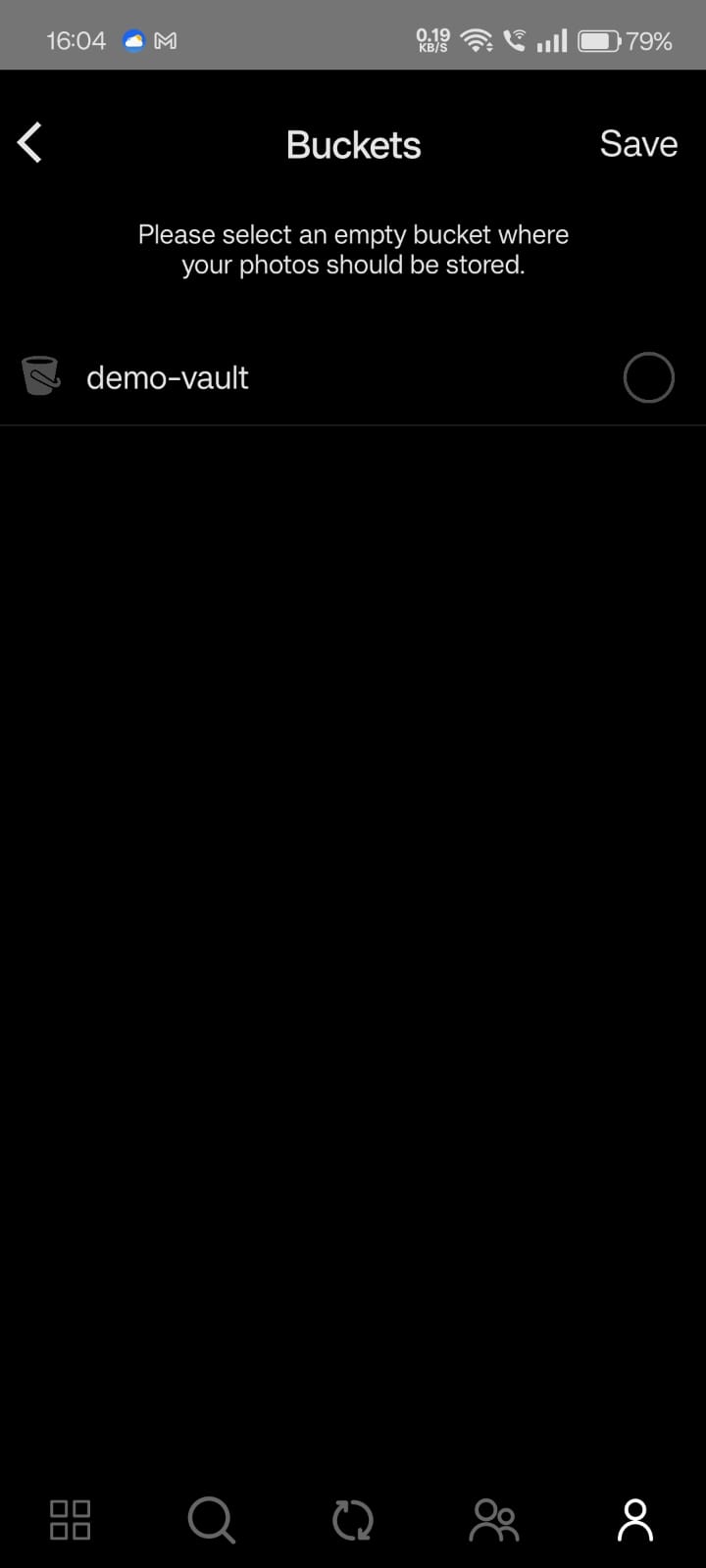
✓ Setup Complete! Your Photos+ app is now configured to use StorX decentralized storage. All your photos and videos will be securely stored in your StorX vault, giving you full control over your memories.
What You Can Do Now
- Auto-Backup: Automatically back up photos and videos from your mobile device to StorX
- Secure Storage: Your media is encrypted and stored across the decentralized network
- Multi-Device Access: Access your photos from any device with the Photos+ app
- Organize: Create albums and organize your media directly in the app
- Share: Share photos and albums with friends and family
💡 Pro Tip: Photos+ supports background uploads. Enable this in settings to automatically back up new photos as soon as they're taken, ensuring you never lose a memory.