



What is s5cmd?
s5cmd is a fast and powerful command-line tool for interacting with S3-compatible storage, like StorX. It's designed for speed and efficiency, making it much faster than the traditional AWS CLI for bulk file operations. It supports parallel transfers and can handle thousands of files with ease.
Before you begin: You need an active StorX account. Join StorX →
Required StorX Credentials
- Access Key - Your unique access identifier
- Secret Key - Your private security key
- Endpoint URL -
https://gateway.storx.io
Need help getting your credentials? Learn how to get Access Keys →
Setting up s5cmd with StorX
1. Download the latest s5cmd release for Linux:
wget https://github.com/peak/s5cmd/releases/download/v2.2.2/s5cmd_2.2.2_Linux-64bit.tar.gz
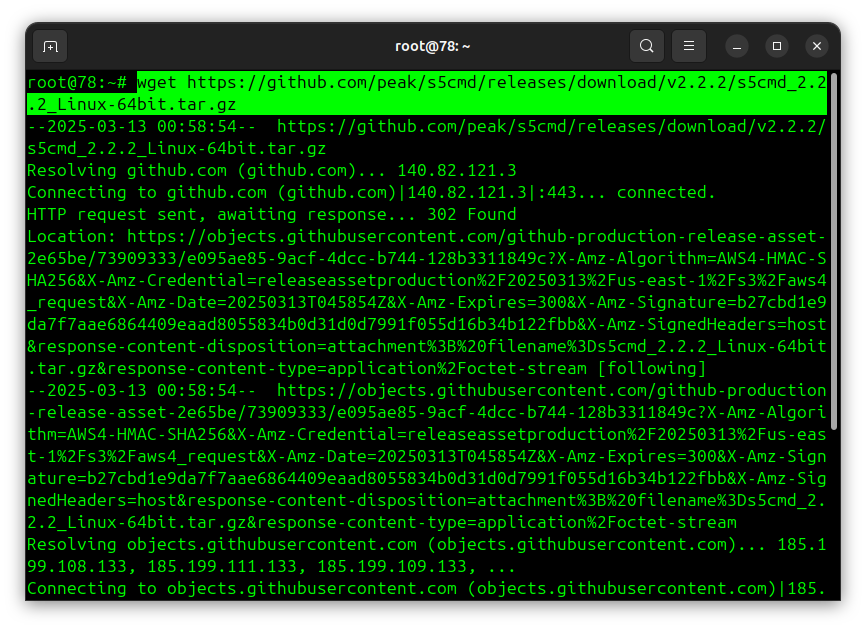
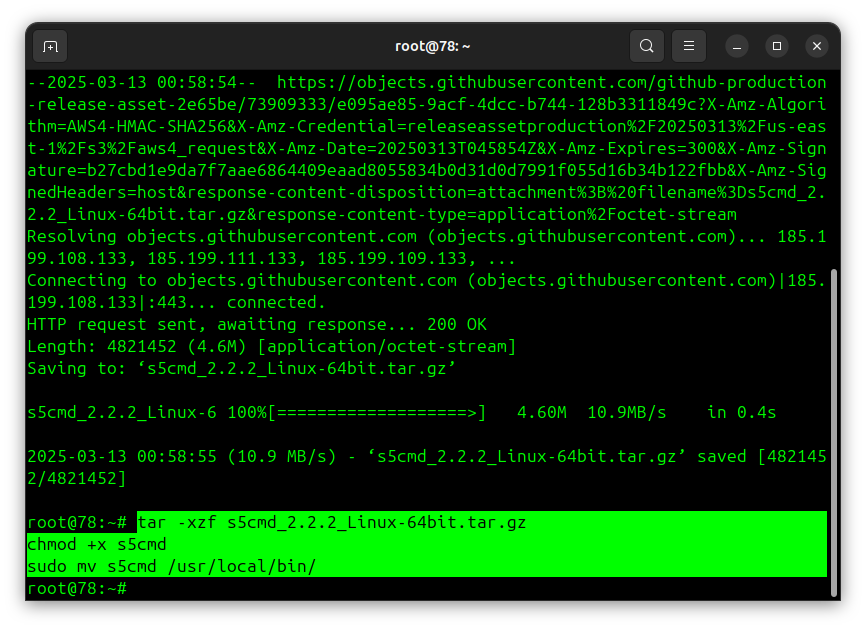
2. Extract and install s5cmd:
tar -xzf s5cmd_2.2.2_Linux-64bit.tar.gz
chmod +x s5cmd
sudo mv s5cmd /usr/local/bin/
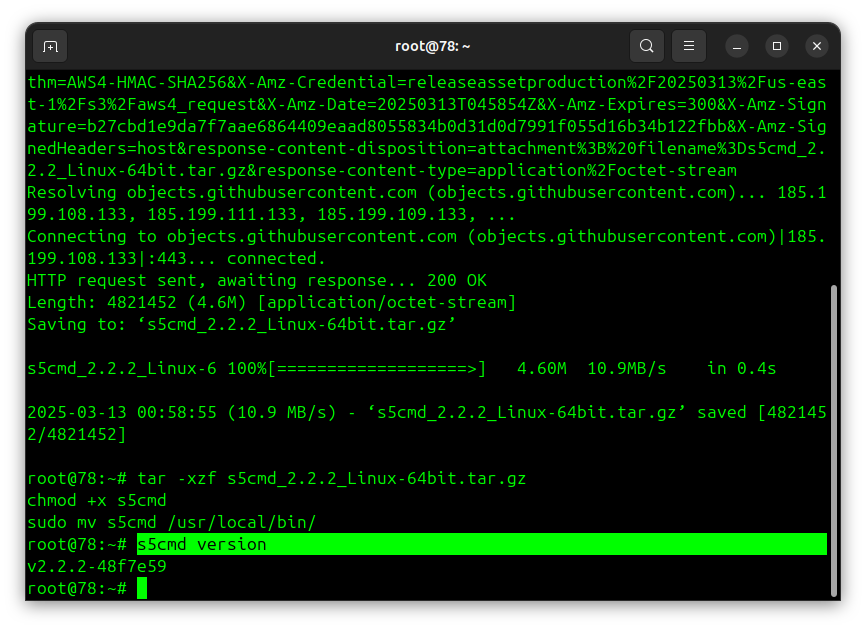
3. Verify the installation:
s5cmd version
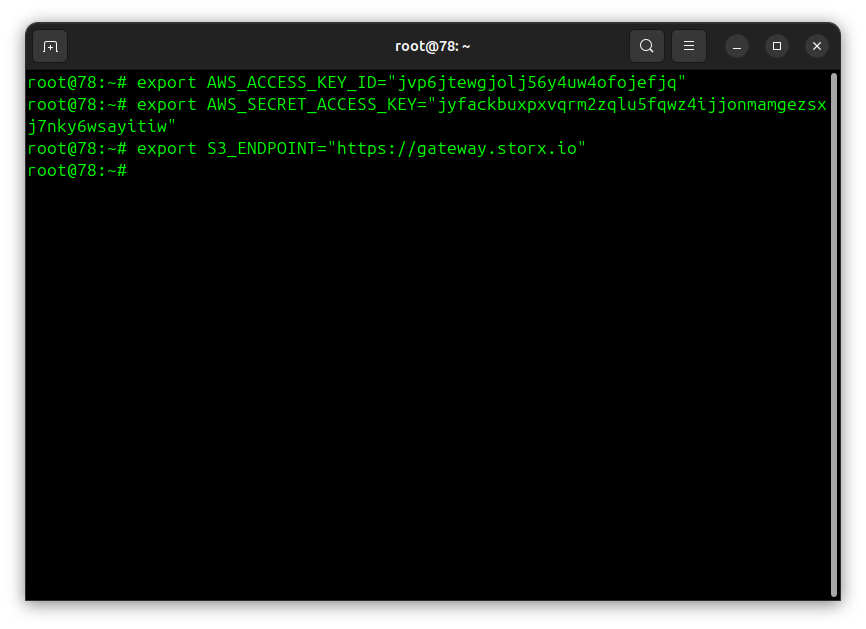
4. Set your StorX credentials as environment variables:
export AWS_ACCESS_KEY_ID="your-storx-access-key"
export AWS_SECRET_ACCESS_KEY="your-storx-secret-key"
export S3_ENDPOINT="https://gateway.storx.io"
Note: Replace the endpoint with your actual StorX endpoint if different. The
default endpoint is gateway.storx.io.
5. Test the connection with StorX:
s5cmd --endpoint-url $S3_ENDPOINT ls
This command will list all your StorX vaults/buckets.
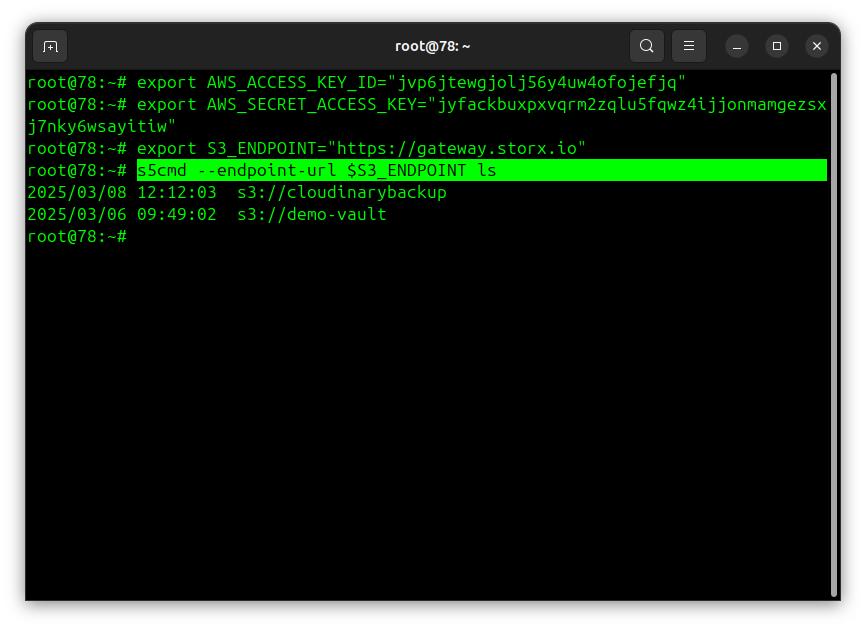
Using s5cmd with StorX
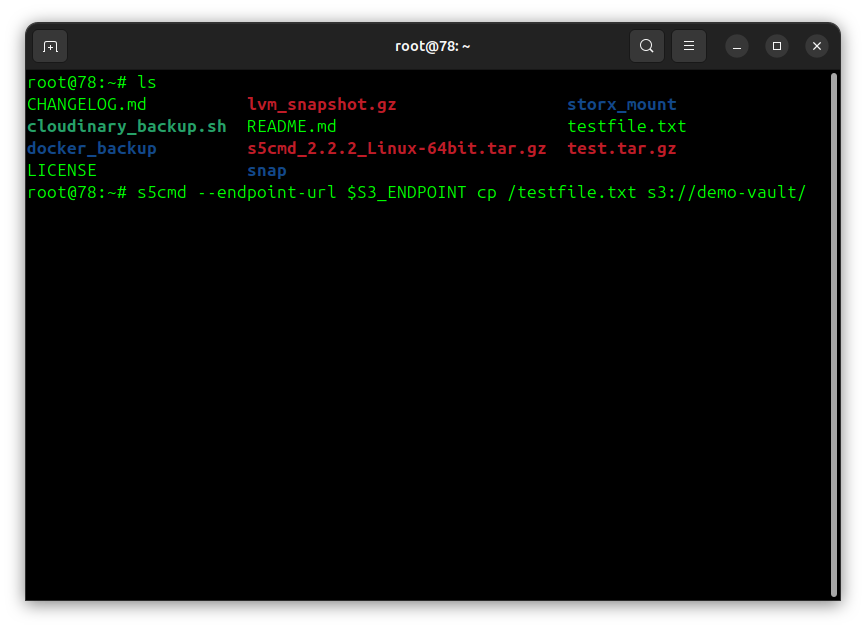
6. Upload a file to StorX:
s5cmd --endpoint-url $S3_ENDPOINT cp /path/to/local/file.txt s3://your-vault-name/
s5cmd --endpoint-url $S3_ENDPOINT cp /testfile.txt s3://demo-vault/
(example)
7. Verify the upload in your StorX vault:
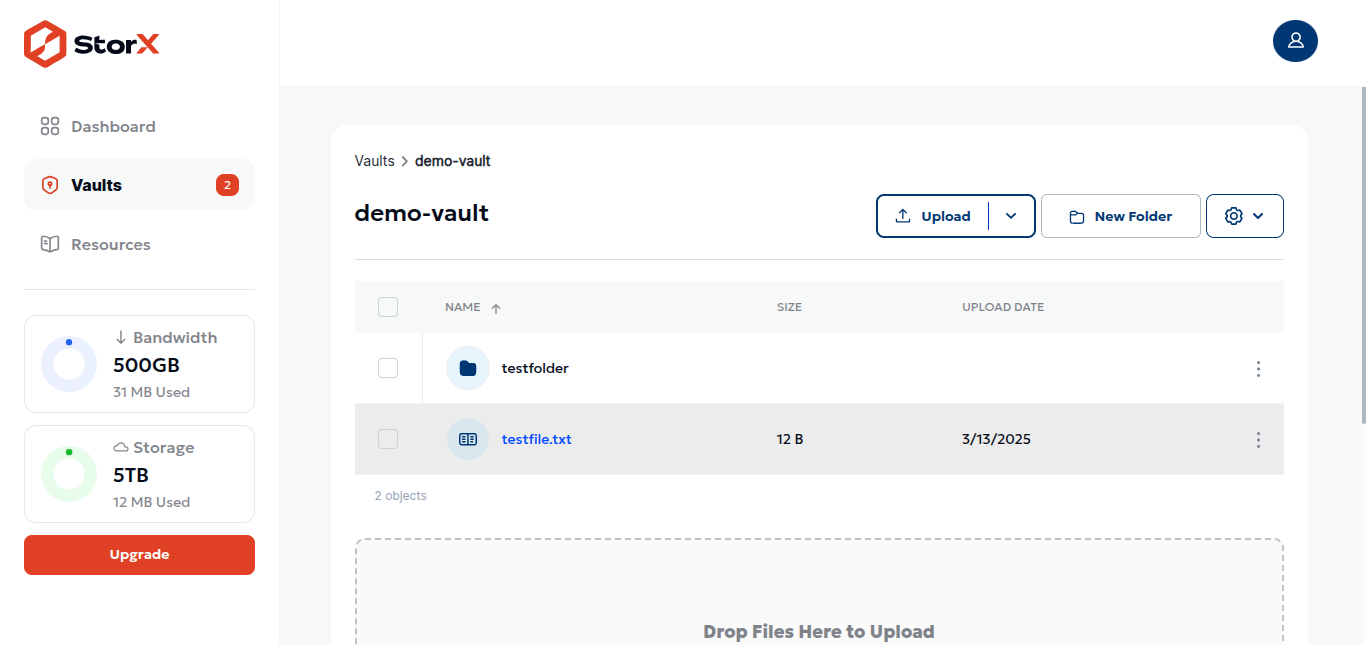
✓ Integration Complete! You have successfully set up s5cmd with StorX. Your first backup is complete!
Additional Useful Commands
# List all files in a vault
s5cmd --endpoint-url $S3_ENDPOINT ls s3://your-vault-name/
# Download a file
s5cmd --endpoint-url $S3_ENDPOINT cp s3://your-vault-name/file.txt ./
# Sync local folder to StorX
s5cmd --endpoint-url $S3_ENDPOINT sync ./local-folder/ s3://your-vault-name/folder/
# Delete a file
s5cmd --endpoint-url $S3_ENDPOINT rm s3://your-vault-name/file.txt
# Run multiple commands from a file
s5cmd --endpoint-url $S3_ENDPOINT run commands.txt
💡 Pro Tip: s5cmd is exceptionally fast for bulk operations because it runs
commands in parallel. For uploading thousands of files, use the run command
with a file containing all your copy operations.